



Ever thought that doing your grocery run and returning an Amazon package could happen at the same time?
At Whole Foods, you can drop off your package quickly and easily.
Whether you’re a first-timer or have done it before, you can mix your errands with a smooth return. A friendly employee will help you check in, making the whole process feel as effortless as a quick stop for coffee.
This guide walks you through each step and shows just how simple it is to return your package while you shop.
how to return amazon package at whole foods!

Returning your Amazon package at Whole Foods is super simple. Start by visiting Amazon’s Online Return Center and selecting the item you wish to send back. The process is designed to be easy enough for anyone, whether you’re trying it for the first time or you’re a seasoned returner. The system even checks that your package qualifies based on its delivery ZIP code before moving ahead.
Follow these five easy steps:
- Begin your return online with Amazon’s Return Center.
- Pick Whole Foods as your drop-off spot.
- Get your QR code via email.
- Head over to the chosen Whole Foods store.
- Show the QR code to a friendly store associate.
When you arrive at Whole Foods, head straight to the drop-off counter where a helpful associate will greet you. They’ll scan your QR code to kick off the return process. It’s a lot like checking in at a local hub where digital ease meets real-world support. This smooth and quick method saves you time and builds trust in the return process, making each return as hassle-free as the first.
Eligibility and Required Documentation for Amazon Returns at Whole Foods

At Whole Foods, you can return eligible Amazon items whether you’re a Prime member or not, but only if your order meets specific rules. For example, your item must come from approved ZIP codes and follow Amazon’s return guidelines. Orders with gift cards or unusual packaging don’t qualify, so it’s best to double-check before you start.
Before you head over to the store, make sure you’ve received your QR code by email after you begin your return online. This QR code is your must-have document at the drop-off counter. A friendly associate will use it to check that your item meets the in-store rules. Taking a moment to inspect the condition and packaging of your item can save you from any hiccups and makes the process much smoother.
Remember, while the basic process stays the same, each Whole Foods store might have its own little twist on how things work. It’s a smart move to confirm if there are any extra document needs or store policies ahead of time. Being proactive about eligibility and having everything ready will help you breeze through your return without any hassle.
In-Store Process and Experience for Amazon Returns at Whole Foods

When you walk into Whole Foods, look for a return counter that's easy to spot. A friendly staff member will scan your emailed QR code to kick off your return. It's like handing the package to a neighbor who gladly handles it all for you.
Some locations even have extra options like Amazon Hub counters or secure pickup lockers. So if you'd rather pick up an order, there's a smooth alternative that fits right into your shopping routine. The store is neat and full of clear signs guiding you every step of the way.
Every step is designed to be simple and stress-free. If a QR code doesn't scan or you've got a question about your package, a knowledgeable team member is always on hand to help. This blend of online quickness and in-person support makes the return process easy and reassuring.
FAQs and Additional Guidance for Amazon Returns at Whole Foods!
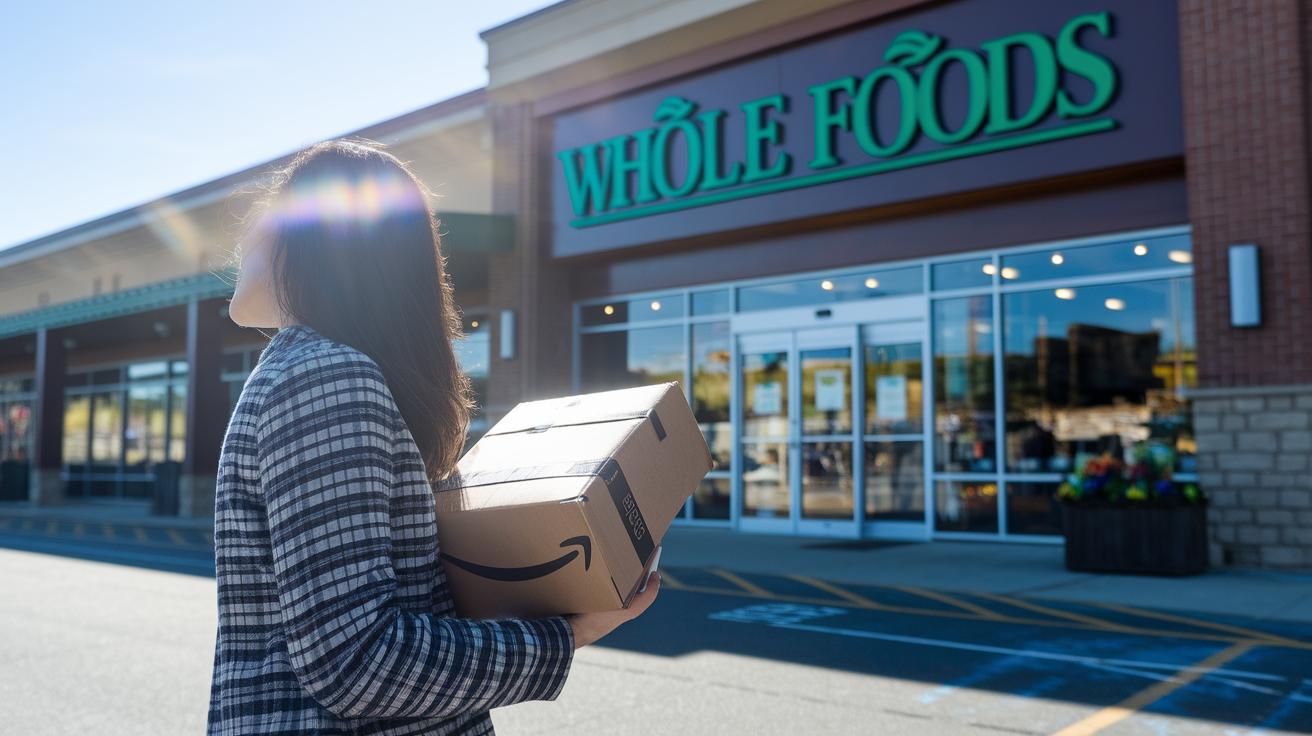
A bunch of customers ask how long it takes to see their refund after a Whole Foods return. Some have seen refunds taking nearly a month to process. If your refund isn't in your account within that time, it’s a smart move to reach out to Amazon support for an update. Tip: hold on to your email confirmation since it has all your return details, it might speed things up if any questions come up.
Another common query is what to do when the QR code won’t scan at the drop-off counter. If that happens, just ask a team member for help. The store staff are trained to handle these little technical hiccups and can check or reissue your return info right away. Most issues get sorted out quickly, so you’re in good hands.
Some people also worry about returning items that might not meet in-store guidelines, like those with non-original packaging. If your package is in question, the Whole Foods team will point you to other return options, such as UPS or Kohl’s, to keep things running smoothly for everyone.
Final Words
In the action, we walked through a simple, hands-on process, from initiating an online return and receiving a QR code to dropping off the package at Whole Foods with a store associate’s help. We also touched on checking eligibility and having the right documents for a smooth experience.
If you're curious how to return amazon package at whole foods, this guide shows you an easy, secure way to modernize your returns. Enjoy a streamlined process that makes managing your orders more efficient and stress-free.
FAQ
How to return Amazon package at Whole Foods via Reddit discussions?
Returning an Amazon package at Whole Foods involves starting your return on Amazon’s Online Return Center, choosing Whole Foods, receiving a QR code, and then visiting the store for a quick scan. Many Reddit posts highlight this simple process.
How to return an Amazon package at Whole Foods without a receipt?
Returning an Amazon package without a receipt starts online where you initiate the return and receive a QR code. This digital process tracks your order, so a printed receipt isn’t necessary for verification.
What are the Whole Foods drop-off and return hours for Amazon returns?
Whole Foods return hours vary by location. To ensure you visit during the right time, check the current hours on the Amazon app or Whole Foods website before you head out.
How do I find a Whole Foods store for Amazon returns near me?
Locating a nearby Whole Foods for your Amazon return is easy by using Amazon’s drop-off locator tool online, which shows the nearest participating stores and available return options.
Can I return my Amazon item at Whole Foods?
Returning an Amazon item at Whole Foods is possible when using the online return process to generate a QR code, which you then present at a designated Whole Foods location for processing.
How to get the Amazon QR code for a Whole Foods return?
Obtaining the Amazon QR code starts by initiating your return on Amazon’s Online Return Center. Once confirmed, Amazon emails a QR code which you bring to the Whole Foods store for scanning.
Does Whole Foods accept Amazon returns?
Whole Foods accepts Amazon returns as long as the item meets the eligibility criteria set by Amazon. Both Prime and non-Prime orders are welcome through this drop-off service.
Can I return an Amazon package to Kohl’s instead of Whole Foods?
Returning an Amazon package to Kohl’s isn’t part of the standard process. Amazon’s drop-off option is designed for Whole Foods, so you should follow the instructions provided for your specific return.